
The Whole Visit on One Tablet | React Native EHR App
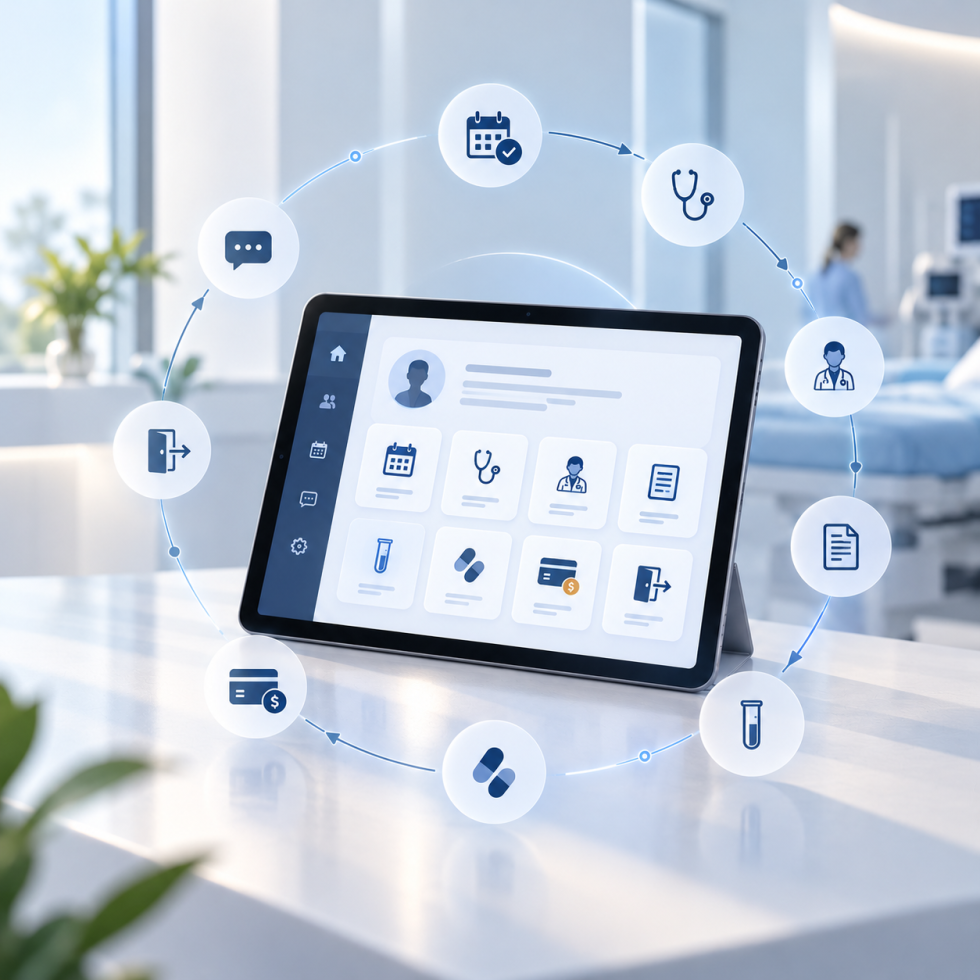
A React Native EHR app that runs a patient’s whole visit from one screen: a point-of-care EHR companion app for iPad, Android tablets and web browser, built from one codebase, launched straight from the practice’s EHR, and secured for protected health information on shared clinic tablets.
Desktop software kept the doctor behind a screen and staff jumping between separate systems. We built the tablet-first layer that brings check-in, charting, prescriptions, lab orders, billing, documents and messages into one app, connected to the EHR back end the practice already runs.
- Healthcare IT
- Tablet-First Clinical Workflow
- 8 min read
Stat Strip
One App for Everyone in the Clinic
Why a Desktop EHR Does Not Belong on a Tablet
A point-of-care EHR companion app is not a desktop EHR squeezed onto a smaller screen. It is a different product with a different job: the handful of things a provider, a nurse, a receptionist or a biller does during a visit, done quickly, on a device that can be carried into the room.
The practice’s problems were the ordinary ones that compound. Staff jumped between many separate systems. Logging in to each of them wasted time. Paper forms, faxes and scans got lost. Patients were surprised by their bill. Billing codes were missed or entered late. And the desktop EHR kept the doctor behind a screen instead of facing the patient.
The app is a companion to the practice’s larger EHR back end, not a replacement for it. It connects to that system through secure web APIs and can be launched directly from it. Everything the clinic touches during a visit now lives in one app, with the EHR remaining the system behind it.
Six Problems, One Screen
- Staff jump between separate systems: Check-in, charting, e-prescribing, labs, billing, documents and messages all live in one app.
- Desktop software keeps the doctor behind a screen: Tablet-first design lets the provider work at the bedside and face the patient.
- Patients are surprised by their bill: A patient responsibility estimator shows the expected cost at the front desk, line by line: charge, allowed amount, deductible, copay, coinsurance and insurance payment.
- Billing codes are missed or entered late: Charge entry captures ICD and CPT codes right after the visit, linked to the encounter.
- Paper forms, faxes and scans get lost: A documents module scans, uploads, sends and receives eFax, and assigns each document to the right patient or staff member.
- Logging in to multiple systems wastes time: Single sign-on from the EHR, plus Face ID or Touch ID for quick sign-in on shared clinic tablets.
One Visit, Eight Steps, One App
| Step | Who | What happens in the app |
|---|---|---|
| Check-in | Front desk | Finds or adds the patient, scans ID and insurance cards, collects forms and e-signature, shows the cost estimate and collects the copay |
| Triage | Nurse or medical assistant | Patient appears in Daily Patient Triage; vitals and intake are recorded |
| Visit | Provider | Opens the chart, reviews copilot insights and dictates while talking to the patient (the documentation layer is its own story: AI medical scribe) |
| Orders | Provider | Sends prescriptions and lab orders from the same screen |
| Sign note | Provider | Reviews the drafted note, edits if needed and e-signs it |
| Billing | Provider or biller | ICD and CPT codes entered in charge entry and submitted |
| Check-out | Front desk | Prints the visit summary and handouts, sets up payment plans if needed |
| Follow-up | Staff | Handles messages, refills, faxes and documents from the inboxes |
Fourteen Modules Behind Those Eight Steps
- Secure login and single sign-on: Two-step login (practice, then username, password and clinic location); Face ID or Touch ID on shared tablets; SSO from the EHR into a specific screen for a specific patient.
- Dashboard and navigation: A daily command center with today’s patients, status indicators and AI suggestion cards; five bottom tabs for the everyday tasks: Dashboard, Daily Patient Triage, Patient Search, Unfinalized Notes and Office Communications; master patient search.
- Front desk: Patient queue and quick add; demographics, photo ID, primary and secondary insurance cards and pharmacy; intake forms, e-signature and card on file; the patient responsibility estimator; payment collection, payment plans, visit summaries and handouts.
- Patient chart: Demographics, clinical summary, insurance and immunotherapy records on one screen; AI-generated insights; a read-only repository of signed notes by date and visit.
- Voice dictation and smart notes: Real-time medical speech recognition, with the dictation merged into a clean note for review; covered in the companion case study.
- Clinical charting: Template-driven SOAP charting with clinical categories and intake review; a step-by-step note flow ending in e-signature; copy history from earlier visits and preview the note while writing.
- Copilot panel: Patient snapshot, vitals and lab trends, problem list, drug interactions, biologic eligibility, patient education and suggested orders and codes.
- E-prescribing: Search medications; create, sign and send prescriptions to the patient’s pharmacy; manage refill requests, pending signatures, changes and undeliverable prescriptions; check prescription benefits for coverage and cost; two-factor authentication for controlled-substance prescriptions.
- Lab orders: Diagnosis codes, tests or panels from the lab vendor or favorites, bill type and collection date; practice-wide and per-patient lab dashboards.
- Immunotherapy: Allergy-extract vial tracking and history; injection history per patient.
- Charge entry: ICD and CPT codes with modifiers and quantity, reviewed and submitted against the visit.
- Documents and eFax: Assigned, pending and practice documents; scanning by device camera on tablets and scanner on web; inbound and outbound eFax and e-prescription paperwork; assignment to patients or staff.
- Messaging: A secure patient-to-provider inbox, internal staff messaging and tasks, folders with filters and attachments, and push notifications.
- Dermatology image analysis: An integrated module to support skin assessments.
Launched From the EHR, Signed In Once
The app does not ask staff to log in twice. Opened from the main EHR, single sign-on lands the user on a specific screen, for example e-prescribing or labs, for a specific patient. The SSO launch tickets behind that are short-lived and can be used only once.
Opened on its own, login is two steps: choose the practice, then enter username, password and clinic location. On shared clinic tablets, Face ID or Touch ID gives quick sign-in afterwards, and biometric login is available only after a successful manual login on that device.
Built for Protected Health Information on a Shared Tablet
Because the app handles protected health information, security was built into the design rather than added at the end:
- Login tokens are stored in the device’s secure storage (Keychain and Secure Store) and refreshed automatically before they expire.
- Biometric login is available only after a successful manual login on that device.
- SSO launch tickets are short-lived and single-use.
- Two-factor authentication is required for controlled-substance prescriptions, the control 21 CFR 1311.115 requires for signing such prescriptions electronically.
- Separate Development, QA, Pre-production and Production environments keep testing apart from real patient data.
One Codebase, Three Platforms
| Area | Technology | What it does |
|---|---|---|
| App framework | React Native with Expo | One codebase runs on iPad, Android tablets and the web |
| Data and state | Redux Toolkit | Keeps the app’s data organized and remembers the session |
| Server connection | Axios with OAuth2 tokens | Talks securely to the EHR back end and refreshes logins automatically |
| Voice | Microsoft Azure Speech | Converts the provider’s speech into text |
| AI | Google Generative AI | Merges dictation into notes and creates suggestions |
| Notifications | Firebase Cloud Messaging | Sends push alerts to devices |
| Security | Secure Store, Keychain, biometrics | Protects tokens and passwords; supports Face ID and Touch ID |
| Scanning | Device camera, Dynamic Web TWAIN | Scans paper documents on tablets and on the web |
The Clinic Before and After
| Daily need | Desktop EHR and separate tools | Tablet-first companion app |
|---|---|---|
| Where the provider works | Behind a monitor | At the bedside, facing the patient |
| Systems per visit | Several, each with its own login | One app, launched from the EHR with SSO |
| Cost conversation | Patient surprised by the bill | Line-item estimate shown at check-in |
| Billing codes | Missed or entered late | Captured right after the visit, linked to the encounter |
| Paper, faxes and scans | Lost or re-handled | Scanned, uploaded, faxed and assigned in one module |
| Finding information mid-visit | Hard | Copilot panel, patient snapshot and AI suggestion cards |
| Devices | Desktop only | iPad, Android tablet and web from one codebase |
| Sign-in on shared tablets | Password every time | Face ID or Touch ID after a manual login on that device |
What a Point-of-Care Companion App Is Actually Worth
- Time saved: Less typing and fewer clicks for providers and staff.
- Better patient experience: More face-to-face time, clear cost estimates and quicker check-in.
- Faster, more accurate billing: Codes captured at the point of care.
- Safer care: Electronic prescriptions, drug interaction details, and two-factor authentication for controlled drugs.
- Work from anywhere: The same app runs on iPad, Android tablets and the web.
The EHR stayed where it was. The visit moved to where the patient is. That is the pattern behind most of Ariel’s healthcare software development work: keep the system of record, rebuild the experience around it.
Put the Visit on the Tablet Without Rebuilding the EHR
Ariel builds tablet-first clinical apps that sit on top of the EHR a practice already runs: one codebase for iPad, Android and web, launched from the EHR, secured for protected health information. If your providers are still behind a desktop screen during the visit, or your staff still sign in to four systems to finish one, our team can show you how a companion app changes the room without changing the back end.
FAQ
What is a React Native EHR app?
A React Native EHR app is a clinical application built with React Native so that one codebase runs on iPad, Android tablets and the web, connected to an existing EHR back end through secure APIs. In this build it acts as a point-of-care companion: the EHR remains the system of record, and the app runs the visit on a tablet.
Why can't you just put a desktop EHR on a tablet?
A desktop EHR is organized around a workstation and a full day of administration. A visit needs a handful of tasks done fast on a device carried into the room: check-in, vitals, chart, orders, note, charges. The companion app is built around those eight steps and leaves the rest of the EHR where it is.
Can you build an app for a HIPAA-regulated practice with React Native and Expo?
Yes. Expo’s own guidance is that apps built with it can meet HIPAA requirements when the developer implements the required safeguards; the framework does not make an app compliant on its own. This build stores tokens in device secure storage, limits biometric login to devices that have had a manual login, uses single-use SSO tickets, and separates test environments from production patient data.
How does single sign-on from the EHR into a patient's chart work?
Launching from the EHR carries a short-lived, single-use launch ticket, and the app opens directly on a specific screen, such as e-prescribing or labs, for a specific patient. Staff do not re-enter credentials, and a ticket cannot be replayed. It is the same pattern standards such as SMART App Launch describe for opening an app in patient context.
Can Face ID or Touch ID be used for EHR login on shared clinic tablets?
As a convenience after a proper login. In this app, biometric sign-in becomes available only after a successful manual login on that device, and tokens stay in the device’s secure storage. Controlled-substance prescribing has its own two-factor authentication requirement, covered in the next question.
What two-factor authentication does e-prescribing controlled substances require?
Under 21 CFR 1311.115, signing a controlled-substance prescription electronically requires two of three factor types: something you know, something you have, or a biometric, and a biometric factor has its own conditions. This app requires two-factor authentication for controlled-substance prescriptions, in addition to the normal login.
Can one codebase really run on iPad, Android tablets and the web?
Yes. This app is built with React Native and Expo, with Redux Toolkit for state and Axios with OAuth2 tokens for the EHR connection. The same code ships to iPad and Android tablets and runs in a web browser, with device-specific capabilities such as the camera for scanning on tablets and a scanner path on the web.